 Airwaily








































100 MB
7 Days / 1 Week73% offMalaysia eSIM
Buy a cheap, reliable Malaysia eSIM with data plans from 100 MB to 100 GB.
Plans from$0.22$0.7973% off
100 MB 7 Days / 1 Week
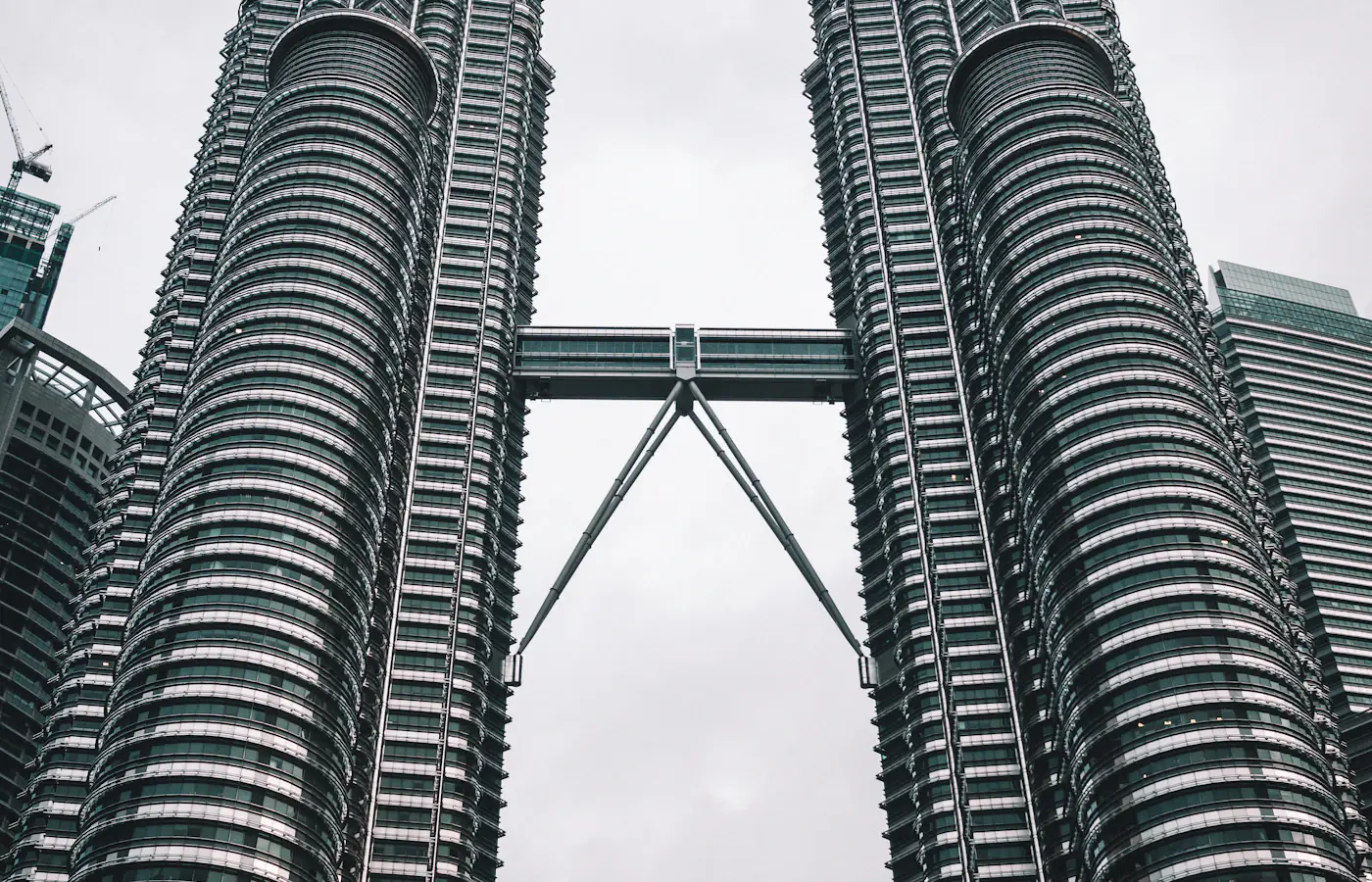 Petronas Twin Towers, Kuala Lumpur, Malaysia
- Fast 4G/5G
- One-click Activation
- Hotspot Sharing
- 24/7 Support
Choose your plan
7 Days / 1 Week(2 plans)
1 GB
7 Days / 1 Week$0.75$0.75/GB30 Days / 1 Month(11 plans)
2 GB
30 Days / 1 Month$0.77$0.39/GB3 GB
30 Days / 1 Month$1.68$0.56/GB4 GB
30 Days / 1 Month$2.20$0.55/GB6 GB
30 Days / 1 Month$2.55$0.43/GB7 GB
30 Days / 1 Month$4.20$0.60/GB10 GB
30 Days / 1 Month$4.20$0.42/GB12 GB
30 Days / 1 Month$5.39$0.45/GB14 GB
30 Days / 1 Month$6.26$0.45/GB16 GB
30 Days / 1 Month$6.98$0.44/GB20 GB
30 Days / 1 Month$7.62$0.38/GB50 GB
30 Days / 1 Month$19.75$0.40/GB5 days(1 plan)
15 days(3 plans)
10 days(1 plan)
20 days(5 plans)
45 days(1 plan)
60 Days / 2 Months(3 plans)
180 Days / 6 Months(1 plan)
Tech specs
| Specification | Details |
|---|---|
| Country coverage | Malaysia only. |
| Local networks | Maxis, CelcomDigi |
| Network technology | Connects to 5G where available. LTE is not confirmed on this plan. Networks and technology vary by plan. |
| Data & validity | Fixed total data. No daily reset. |
| Available data allowances | 100 MB, 1 GB, 2 GB, 3 GB, 4 GB, 5 GB, 6 GB, 7 GB, 10 GB, 12 GB, 14 GB, 15 GB, 16 GB, 20 GB, 30 GB, 50 GB, and 100 GB |
| Available durations | 5 days, 7 Days (1 Week), 10 days, 15 days, 20 days, 30 Days (1 Month), 45 days, 60 Days (2 Months), and 180 Days (6 Months) |
| Calls & SMS | Use internet messaging and calling apps. |
| Hotspot | The listed networks support hotspot. Any device you connect draws from the same data allowance. |
| Your phone | An eSIM-compatible, network-unlocked phone is required. |
How it works
Pick a plan, add the eSIM to your phone, then connect once you're in Malaysia.
 01
Choose your plan
Check phone compatibility and carrier lock; choose a plan by allowance and validity.
 02
Follow the installation instructions
Install over Wi-Fi. Check when validity starts before installing.
 03
Connect in Malaysia
Select the eSIM for mobile data and follow its setup instructions.
Frequently asked questions.
Answers to common setup and buying questions.
Which Malaysia eSIM plan should I choose?
Check our plan's data allowance, validity, activation and local networks before you buy. Save essential maps and bookings offline.
When does the plan start?
Validity begins: First Network Connection / First Installation.
Which networks are included?
Networks vary by plan. Reception and speeds depend on location, network conditions and your device.
Can I use a hotspot?
Check hotspot support on each plan. Connected devices share the allowance.
Does the data reset every day?
Fixed total data. No daily reset.
Can I use this package in another country?
Malaysia only.
What phone do I need?
An eSIM-compatible, network-unlocked phone is required.
What should I check if mobile data is not working?
Check coverage, remaining data and validity. Follow the supplied roaming and APN instructions. Keep the eSIM installed when contacting support.
Which apps can I use with the Malaysia eSIM, and how fast will they work?
The Malaysia eSIM is designed to deliver high-speed internet access for all apps from around the world, including the following 50 apps:
WhatsApp, Google Maps, Instagram, TikTok, YouTube, iMessage, FaceTime, Uber, Spotify, Google Translate, Booking.com, Airbnb, Revolut, Gmail, ChatGPT, Facebook, Messenger, Snapchat, Telegram, Netflix, Apple Maps, Bolt, Grab, Wise, PayPal, Waze, Citymapper, Tripadvisor, GetYourGuide, Klook, Skyscanner, Expedia, Agoda, Trip.com, Trainline, Omio, Uber Eats, Google Lens, Apple Music, YouTube Music, Disney+, Discord, Reddit, X, Signal, Zoom, Microsoft Teams, Slack, Microsoft Outlook, and Google Photos.
Using your eSIM in Malaysia
Mobile data in Malaysia
Whether you land at KL Sentral, walk George Town's streets or head out to a Sabah park, you'll want directions and booking details on your phone. A Malaysia eSIM is a virtual SIM card you download to a compatible, unlocked phone, so there's no physical card to pick up. Compare the prepaid data plans before you buy, since the total allowance and validity change what you can do. It suits tourists on vacation or holiday, people visiting family, and anyone who wants an affordable way to keep data without changing their home SIM.
Check our plan's data allowance, validity, activation and local networks before you buy. Save essential maps and bookings offline.
Check the network for your plan.
Networks vary by plan. Reception and speeds depend on location, network conditions and your device.
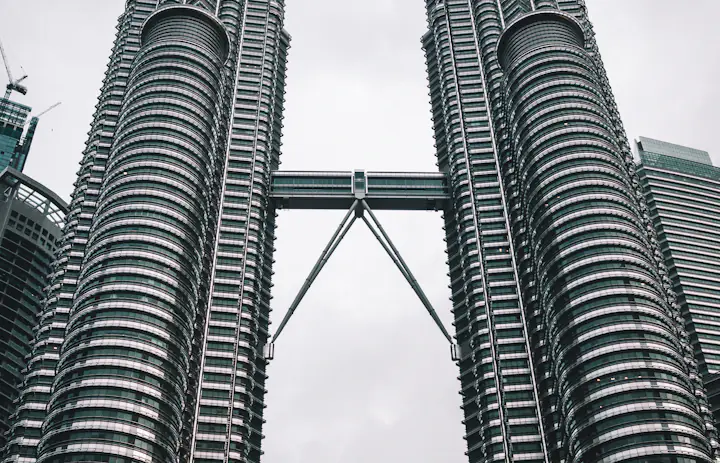
within reach.Petronas Twin Towers, Kuala Lumpur, Malaysia
Kuala Lumpur: sort the terminal and the train before you move.
KLIA Ekspres links the airport terminals with KL Sentral. Check which terminal you arrive at and the current service information before boarding, since the train only gets you to the city station and not to your hotel.
Pull up your rail booking and map the onward route from KL Sentral with your data. Message your host an expected arrival time, and save the hotel's actual entrance rather than a pin for the whole mall or neighbourhood.
Before a first walk around KLCC, download the area map on Wi-Fi and pause photo backups. A small allowance covers an arrival message, but repeated photo downloads and video calls will eat into it quickly.
Save before you goYour train ticket, arrival terminal, hotel entrance and the onward route from KL Sentral.
George Town: pick streets and one meeting point, not many pins.
George Town rewards walking, and the state tourism office publishes a visitor map and heritage trail. Pick a short stretch near the Esplanade or the lanes around Khoo Kongsi, then check visitor information before entering any building.
Pin your guesthouse's actual entrance before you leave. If the group splits for food or photos, agree on one cafe or street junction as the meeting point; 'old town' in a message leaves too much to guess.
Save the heritage map offline. Live data helps when a meeting time changes or you need to book the next ride, while the saved map keeps you moving without reloading it.
Save before you goThe heritage map, your guesthouse entrance and one agreed meeting point.
Kinabalu Park: lock in the exact meeting point before leaving.
Kinabalu Park has several substations and visitor areas, so check the Sabah Parks site for your intended area, current access notices and activity arrangements before leaving Kota Kinabalu.
A visit to the park headquarters and a mountain climb are prepared very differently. Have your operator confirm the meeting point, documents and return transfer; mobile data doesn't replace a reservation or permit.
Save those instructions while you still have a connection. Terrain can break reception, and a bigger data plan won't strengthen a weak signal. Keep your driver or guide's contact details and a return arrangement stored offline.
Save before you goThe exact park entrance, booking confirmation, guide contact and return pickup.
Choose your Malaysia plan
Compare data amounts and durations to find the plan that fits your trip.
 Choose a plan
