 Airwaily








































100 MB
7 Days / 1 Week80% offMorocco eSIM
Buy a cheap, reliable Morocco eSIM with data plans from 100 MB to 100 GB.
Plans from$0.22$1.0980% off
100 MB 7 Days / 1 Week
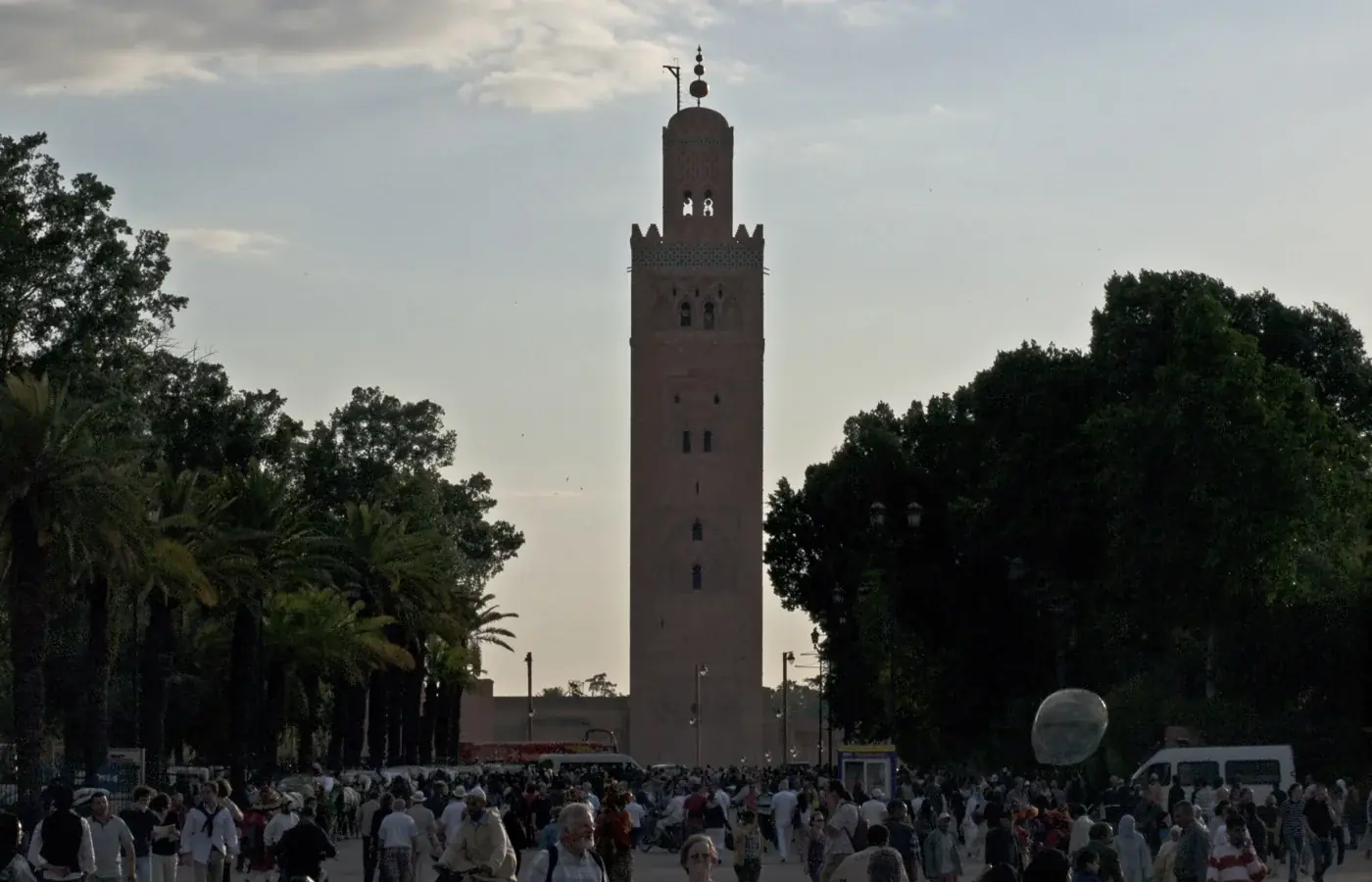 Marrakesh, Morocco
- Fast 4G/5G
- One-click Activation
- Hotspot Sharing
- 24/7 Support
Choose your plan
7 Days / 1 Week(3 plans)
30 Days / 1 Month(7 plans)
1 day(1 plan)
5 days(1 plan)
21 Days / 3 Weeks(1 plan)
20 days(1 plan)
90 Days / 3 Months(1 plan)
60 Days / 2 Months(1 plan)
Tech specs
| Specification | Details |
|---|---|
| Country coverage | Morocco only. |
| Local networks | Orange Morocco, IAM |
| Network technology | Connects to 4G/5G where the network offers it. Networks and technology vary by plan. |
| Data & validity | Fixed total data. No daily reset. |
| Available data allowances | 100 MB, 500 MB, 1 GB, 2 GB, 3 GB, 5 GB, 10 GB, 20 GB, 50 GB, and 100 GB |
| Available durations | 1 day, 5 days, 7 Days (1 Week), 20 days, 21 Days (3 Weeks), 30 Days (1 Month), 60 Days (2 Months), and 90 Days (3 Months) |
| Calls & SMS | Use internet messaging and calling apps. |
| Hotspot | The listed networks support hotspot. Any device you connect draws from the same data allowance. |
| Your phone | An eSIM-compatible, network-unlocked phone is required. |
How it works
Pick a plan, add the eSIM to your phone, then connect once you're in Morocco.
 01
Choose your plan
Check phone compatibility and carrier lock; choose a plan by allowance and validity.
 02
Follow the installation instructions
Install over Wi-Fi. Check when validity starts before installing.
 03
Connect in Morocco
Select the eSIM for mobile data and follow its setup instructions.
Frequently asked questions.
Answers to common setup and buying questions.
Which Morocco eSIM plan should I choose?
Check our plan's data allowance, validity, activation and local networks before you buy. Save essential maps and bookings offline.
When does the plan start?
Validity begins: First Network Connection / First Installation.
Which networks are included?
Networks vary by plan. Reception and speeds depend on location, network conditions and your device.
Can I use a hotspot?
Check hotspot support on each plan. Connected devices share the allowance.
Does the data reset every day?
Fixed total data. No daily reset.
Can I use this package in another country?
Morocco only.
What phone do I need?
An eSIM-compatible, network-unlocked phone is required.
What should I check if mobile data is not working?
Check coverage, remaining data and validity. Follow the supplied roaming and APN instructions. Keep the eSIM installed when contacting support.
Which apps can I use with the Morocco eSIM, and how fast will they work?
The Morocco eSIM is designed to deliver high-speed internet access for all apps from around the world, including the following 50 apps:
WhatsApp, Google Maps, Instagram, TikTok, YouTube, iMessage, FaceTime, Uber, Spotify, Google Translate, Booking.com, Airbnb, Revolut, Gmail, ChatGPT, Facebook, Messenger, Snapchat, Telegram, Netflix, Apple Maps, Bolt, Grab, Wise, PayPal, Waze, Citymapper, Tripadvisor, GetYourGuide, Klook, Skyscanner, Expedia, Agoda, Trip.com, Trainline, Omio, Uber Eats, Google Lens, Apple Music, YouTube Music, Disney+, Discord, Reddit, X, Signal, Zoom, Microsoft Teams, Slack, Microsoft Outlook, and Google Photos.
Using your eSIM in Morocco
Mobile data in Morocco
Check our plan's data allowance, validity, activation and local networks before you buy. Save essential maps and bookings offline.
Check the network for your plan.
Networks vary by plan. Reception and speeds depend on location, network conditions and your device.
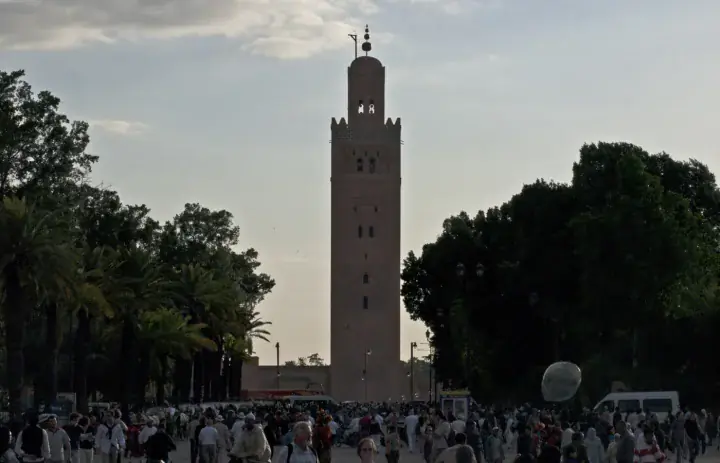
on your phone.Marrakesh, Morocco
Marrakesh: the last stretch to the riad.
Jemaa el-Fnaa and the Koutoubia make good reference points, but neither points to one specific riad door. Get the entrance pin and the agreed vehicle drop-off from your host before you leave Marrakesh Menara Airport.
Keep that message open beside your map as you near the medina. If the last stretch is on foot, screenshot the turn into your lane and photograph the doorway; a street name alone can leave you on the wrong side of the building.
Agree a named meeting point before you split up in the souks. Send a few photos over data, then save the full camera backup for Wi-Fi so a smaller allowance lasts.
Save before you goThe entrance photo from your host, the agreed drop-off and a downloaded medina map.
Casablanca: getting the right station for your onward journey.
If your arrival involves a train leg, confirm departure times and buy the ticket online for your specific travel date first. Then choose the Casablanca station that matches your accommodation or onward connection.
Save the full station name with your booking, not just 'Casablanca'. If a second train follows, compare both departures and leave time to find the right platform. Check the return journey separately.
Use your data to open the ticket and send your arrival time, but download anything you must show. A charged phone with an offline copy helps when the platform is busy or the signal thins.
Save before you goThe rail ticket, both station names and the address for the journey after the train.
Fes: storing the return route before you set off.
The medina packs workshops, markets and tight lanes into one dense historic centre. Mark your accommodation entrance and agree a recognisable pickup spot with your driver or host before you start walking.
A map helps you stay oriented between stops, and a saved return landmark gives you something to show if the phone drops offline. Ask your host to write the address exactly as they give it to drivers.
If your trip continues past Fes, download the next booking while you still have Wi-Fi. Extra gigabytes give you more data, but they don't promise signal along a remote road.
Save before you goThe accommodation pin, a return landmark and the next night's booking.
Choose your Morocco plan
Compare data amounts and durations to find the plan that fits your trip.
 Choose a plan
