 Airwaily









































1 GB
30 Days / 1 Month71% offMalta eSIM
Buy a cheap, reliable Malta eSIM with data plans from 1 GB to 50 GB.
Plans from$0.22$0.7571% off
1 GB 30 Days / 1 Month
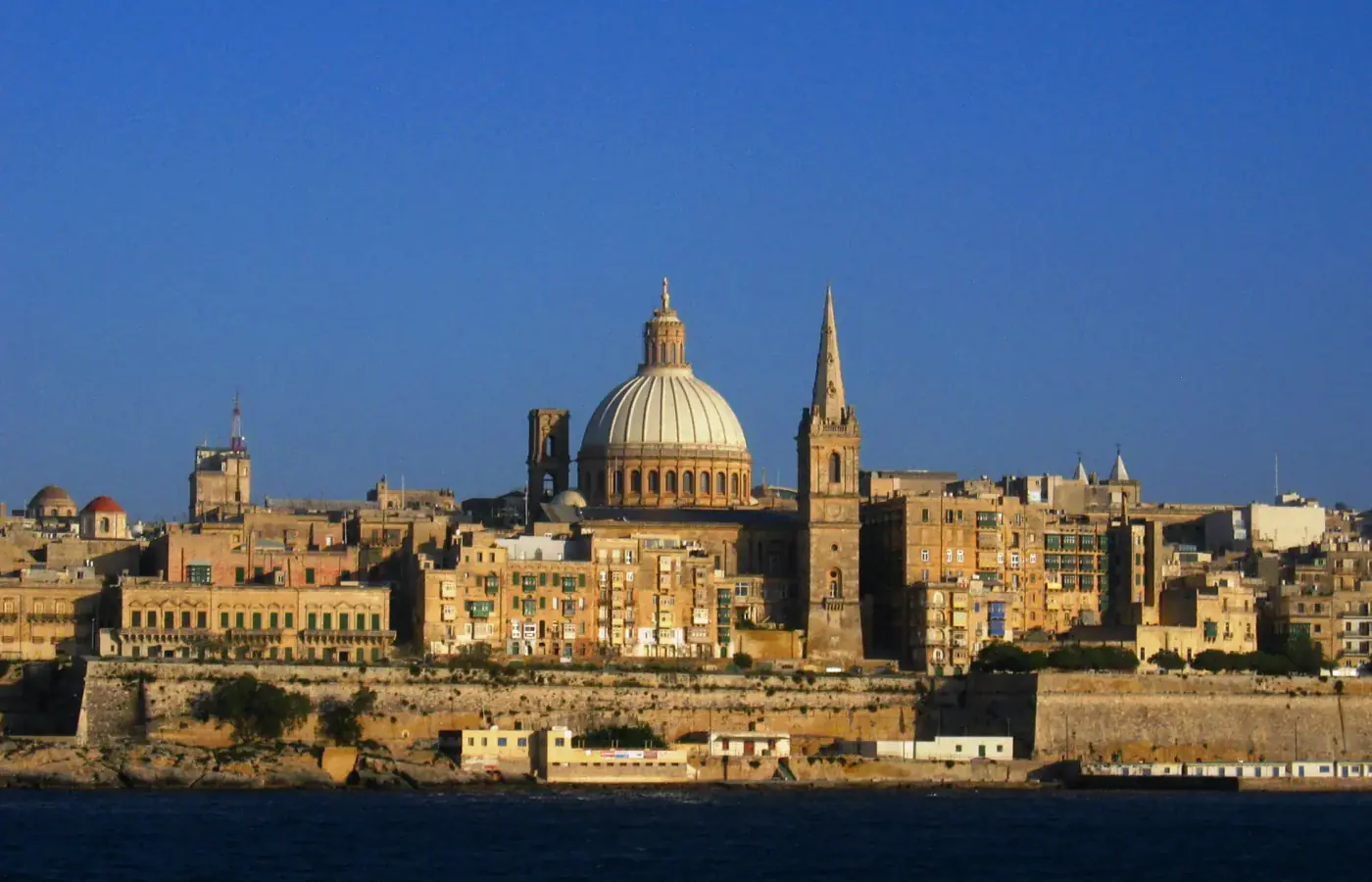 Valletta, Malta
- Fast 4G/5G
- One-click Activation
- Hotspot Sharing
- 24/7 Support
Choose your plan
30 Days / 1 Month(5 plans)
5 days(1 plan)
15 days(1 plan)
21 Days / 3 Weeks(1 plan)
60 Days / 2 Months(1 plan)
90 Days / 3 Months(1 plan)
Tech specs
| Specification | Details |
|---|---|
| Country coverage | Malta only. |
| Local networks | Vodafone, GO |
| Network technology | Connects to 5G where available. LTE is not confirmed on this plan. Networks and technology vary by plan. |
| Data & validity | Fixed total data. No daily reset. |
| Available data allowances | 1 GB, 3 GB, 5 GB, 10 GB, 20 GB, 30 GB, and 50 GB |
| Available durations | 5 days, 15 days, 21 Days (3 Weeks), 30 Days (1 Month), 60 Days (2 Months), and 90 Days (3 Months) |
| Calls & SMS | Use internet messaging and calling apps. |
| Hotspot | The listed networks support hotspot. Any device you connect draws from the same data allowance. |
| Your phone | An eSIM-compatible, network-unlocked phone is required. |
How it works
Pick a plan, add the eSIM to your phone, then connect once you're in Malta.
 01
Choose your plan
Check phone compatibility and carrier lock; choose a plan by allowance and validity.
 02
Follow the installation instructions
Install over Wi-Fi. Check when validity starts before installing.
 03
Connect in Malta
Select the eSIM for mobile data and follow its setup instructions.
Frequently asked questions.
Answers to common setup and buying questions.
Which Malta eSIM plan should I choose?
Check our plan's data allowance, validity, activation and local networks before you buy. Save essential maps and bookings offline.
When does the plan start?
Validity begins: First Network Connection.
Which networks are included?
Networks vary by plan. Reception and speeds depend on location, network conditions and your device.
Can I use a hotspot?
Check hotspot support on each plan. Connected devices share the allowance.
Does the data reset every day?
Fixed total data. No daily reset.
Can I use this package in another country?
Malta only.
What phone do I need?
An eSIM-compatible, network-unlocked phone is required.
What should I check if mobile data is not working?
Check coverage, remaining data and validity. Follow the supplied roaming and APN instructions. Keep the eSIM installed when contacting support.
Which apps can I use with the Malta eSIM, and how fast will they work?
The Malta eSIM is designed to deliver high-speed internet access for all apps from around the world, including the following 50 apps:
WhatsApp, Google Maps, Instagram, TikTok, YouTube, iMessage, FaceTime, Uber, Spotify, Google Translate, Booking.com, Airbnb, Revolut, Gmail, ChatGPT, Facebook, Messenger, Snapchat, Telegram, Netflix, Apple Maps, Bolt, Grab, Wise, PayPal, Waze, Citymapper, Tripadvisor, GetYourGuide, Klook, Skyscanner, Expedia, Agoda, Trip.com, Trainline, Omio, Uber Eats, Google Lens, Apple Music, YouTube Music, Disney+, Discord, Reddit, X, Signal, Zoom, Microsoft Teams, Slack, Microsoft Outlook, and Google Photos.
Using your Malta eSIM once you land
Mobile data in Malta
A Malta eSIM card is a virtual SIM card you add to an unlocked, eSIM-compatible phone by QR code. These prepaid data plans are sized for a short vacation or a family holiday: tourists pull up the airport bus, open a Valletta booking and check the Gozo ferry sailing, all while keeping their usual messaging account.
Check our plan's data allowance, validity, activation and local networks before you buy. Save essential maps and bookings offline.
Check the network for your plan.
Networks vary by plan. Reception and speeds depend on location, network conditions and your device.
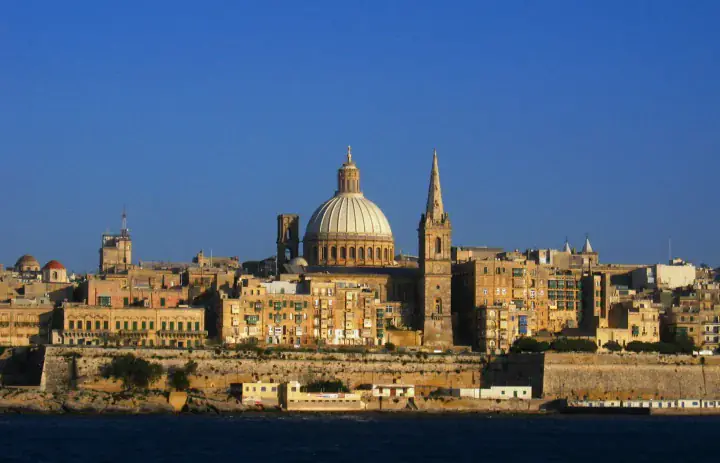
An island day to line up.Valletta, Malta
Valletta: pick the bus that serves your address.
Malta Public Transport runs Airport Direct buses from the terminal signposted just outside arrivals. TD4 heads to Valletta and the Gozo fast ferry, while TD2 and TD3 serve St Julian's and Sliema. Match the route to your accommodation address rather than boarding the first bus you see.
Check the operator's route page or the tallinja app online for today's departure and stop, since times vary by day. TD4 calls at Valletta B1 and Lascaris, so save the specific stop you need instead of a generic "Valletta" pin, and treat the walk to your accommodation as a separate leg.
Meeting someone after a harbour walk? Send an exact entrance or a map pin before you arrive. Set up your messaging account before the trip, because this data-only eSIM provides internet access but no Maltese phone number for ordinary calls or SMS.
Save before you goYour Airport Direct route, the accommodation entrance and a screenshot of the stop where you get off.
Gozo: plan both ends of the crossing.
Gozo Channel runs between Ċirkewwa on Malta and Mġarr on Gozo, with no seat reservations and boarding on a first-come basis. Check the sailing information before heading to the terminal, especially when your island visit has to meet a flight or another booking.
On Gozo, work out Mġarr to your stop as one journey, then the return connection as a second one, because the ferry port and your final destination are two different map pins.
Download your tickets, the port location and any pickup notes before boarding. The same Malta plan keeps working on Gozo where Epic Malta or Melita Malta is available, but do not count on continuous service during the crossing, and leave large uploads until you are ashore or on Wi-Fi.
Save before you goYour ferry details, the Mġarr meeting point and the bus or pickup plan for the return trip.
Choose your Malta plan
Compare data amounts and durations to find the plan that fits your trip.
 Choose a plan
