 Airwaily









































100 MB
7 Days / 1 Week80% offPanama eSIM
Buy a cheap, reliable Panama eSIM with data plans from 100 MB to 50 GB.
Plans from$0.22$1.0980% off
100 MB 7 Days / 1 Week
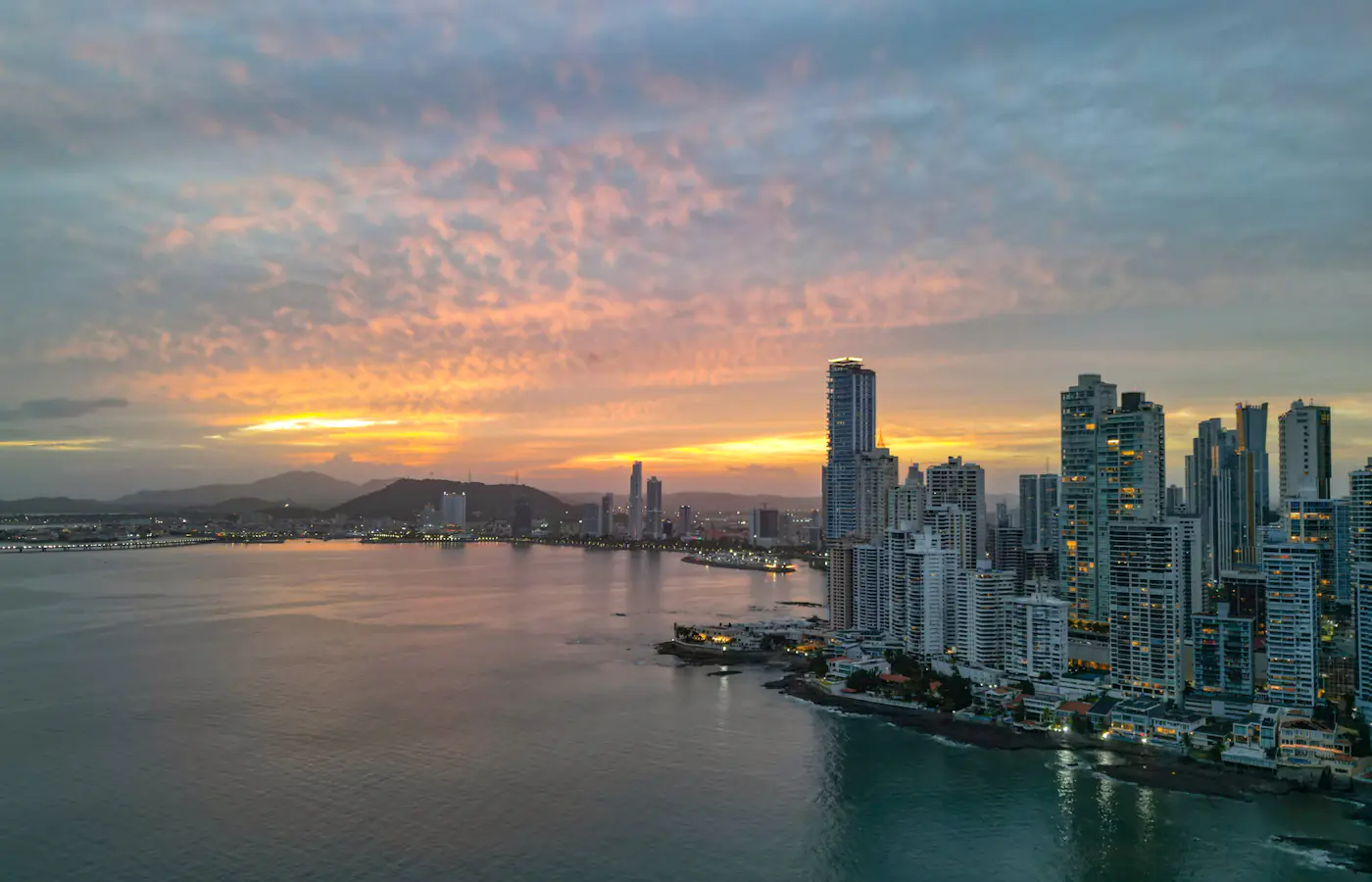 Panama City, Panama
- Fast 4G/5G
- One-click Activation
- Hotspot Sharing
- 24/7 Support
Choose your plan
7 Days / 1 Week(4 plans)
30 Days / 1 Month(5 plans)
15 days(1 plan)
60 Days / 2 Months(1 plan)
90 Days / 3 Months(1 plan)
Tech specs
| Specification | Details |
|---|---|
| Country coverage | Panama only. |
| Local networks | movistar |
| Network technology | Connects to 4G/LTE where available. 5G is not confirmed on this plan. Networks and technology vary by plan. |
| Data & validity | Fixed total data. No daily reset. |
| Available data allowances | 100 MB, 500 MB, 750 MB, 1 GB, 3 GB, 5 GB, 10 GB, 20 GB, 30 GB, and 50 GB |
| Available durations | 7 Days (1 Week), 15 days, 30 Days (1 Month), 60 Days (2 Months), and 90 Days (3 Months) |
| Calls & SMS | Use internet messaging and calling apps. |
| Hotspot | The listed networks support hotspot. Any device you connect draws from the same data allowance. |
| Your phone | An eSIM-compatible, network-unlocked phone is required. |
How it works
Pick a plan, add the eSIM to your phone, then connect once you're in Panama.
 01
Choose your plan
Check phone compatibility and carrier lock; choose a plan by allowance and validity.
 02
Follow the installation instructions
Install over Wi-Fi. Check when validity starts before installing.
 03
Connect in Panama
Select the eSIM for mobile data and follow its setup instructions.
Frequently asked questions.
Answers to common setup and buying questions.
Which Panama eSIM plan should I choose?
Check our plan's data allowance, validity, activation and local networks before you buy. Save essential maps and bookings offline.
When does the plan start?
Validity begins: First Installation / First Network Connection.
Which networks are included?
Networks vary by plan. Reception and speeds depend on location, network conditions and your device.
Can I use a hotspot?
Check hotspot support on each plan. Connected devices share the allowance.
Does the data reset every day?
Fixed total data. No daily reset.
Can I use this package in another country?
Panama only.
What phone do I need?
An eSIM-compatible, network-unlocked phone is required.
What should I check if mobile data is not working?
Check coverage, remaining data and validity. Follow the supplied roaming and APN instructions. Keep the eSIM installed when contacting support.
Which apps can I use with the Panama eSIM, and how fast will they work?
The Panama eSIM is designed to deliver high-speed internet access for all apps from around the world, including the following 50 apps:
WhatsApp, Google Maps, Instagram, TikTok, YouTube, iMessage, FaceTime, Uber, Spotify, Google Translate, Booking.com, Airbnb, Revolut, Gmail, ChatGPT, Facebook, Messenger, Snapchat, Telegram, Netflix, Apple Maps, Bolt, Grab, Wise, PayPal, Waze, Citymapper, Tripadvisor, GetYourGuide, Klook, Skyscanner, Expedia, Agoda, Trip.com, Trainline, Omio, Uber Eats, Google Lens, Apple Music, YouTube Music, Disney+, Discord, Reddit, X, Signal, Zoom, Microsoft Teams, Slack, Microsoft Outlook, and Google Photos.
Getting online across Panama
Mobile data in Panama
A brief Panama City layover, coffee-farm days in Boquete or an island break in Bocas del Toro each demand a different data allowance. For a holiday, vacation or family visit, pick a plan that fits the trip segments where you'll actually go online.
Check our plan's data allowance, validity, activation and local networks before you buy. Save essential maps and bookings offline.
Check the network for your plan.
Networks vary by plan. Reception and speeds depend on location, network conditions and your device.
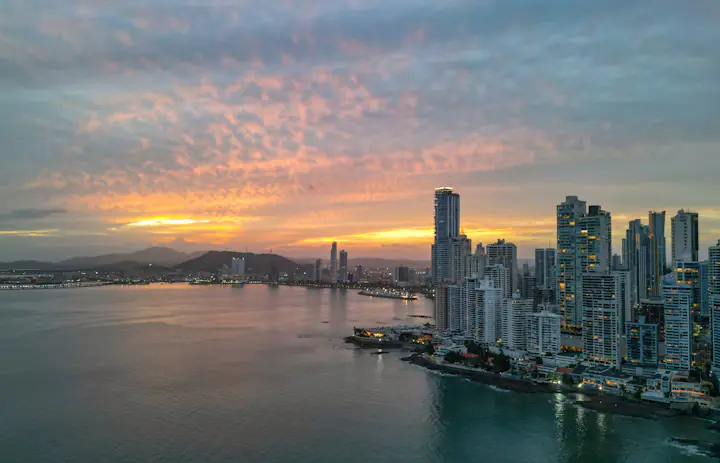
Save what matters.Panama City, Panama
Tocumen to Casco Antiguo: plan the final stretch.
As soon as you clear Tocumen airport, save your accommodation address and send your driver the terminal and meeting point before exiting arrivals. If you use the Metro, grab the route map ahead of time and locate the stop closest to your hotel. The rail trip and the last street address are two separate steps.
Casco Antiguo rewards walking. Confirm with your host where a vehicle can drop you off and mark the entrance pin. Save a map for the return walk from the plazas so you're not searching for the hotel on low battery.
A brief stopover burns little data if you grab maps on Wi-Fi and reserve mobile internet for messages. Store your onward boarding pass offline and double-check the flight before exploring the city.
Save before you goTerminal, hotel entrance, Metro map and onward flight details.
Handle the bus link, then the trailhead.
Boquete lies in the Chiriquí highlands. If you're taking a bus from Panama City, verify the transfer point and onward departure time before boarding; a ticket for the wider region might not get you into Boquete itself.
For a coffee-farm tour or a hike beyond town, ask the operator for the precise meeting spot. A farm name or a general mountain pin often misses the entrance. Save the approach route and confirm if transport is included in your booking.
Download the trail and your return plan before heading into the hills. Steep terrain can kill reception, and extra data won't restore it. Save photo and video uploads for the Wi-Fi at your lodging.
Save before you goBus transfer point, farm or trail entrance, and return pickup notes.
Verify the island and dock before departing.
Bocas del Toro is an island chain, not a single hotel district. Confirm if your stay is on Isla Colón, Bastimentos or another island, then ask your host which dock and boat to take. Keep that written detail with your booking.
Use your connection while it's available to confirm a boat meeting point or message about a delay. Before a beach outing, agree on the return spot and time so nobody gets separated. Never rely solely on mobile signal to arrange the return.
Over Wi-Fi, save tickets, your accommodation pin and a local map. Panama-wide coverage doesn't guarantee service on every island or out at sea, even if your phone shows full bars in town.
Save before you goIsland name, dock location, host messages and return boat plan.
Choose your Panama plan
Compare data amounts and durations to find the plan that fits your trip.
 Choose a plan
