 Airwaily









































500 MB
7 Days / 1 Week73% offRussia eSIM
Buy a cheap, reliable Russia eSIM with data plans from 500 MB to 100 GB.
Plans from$0.22$0.7973% off
500 MB 7 Days / 1 Week
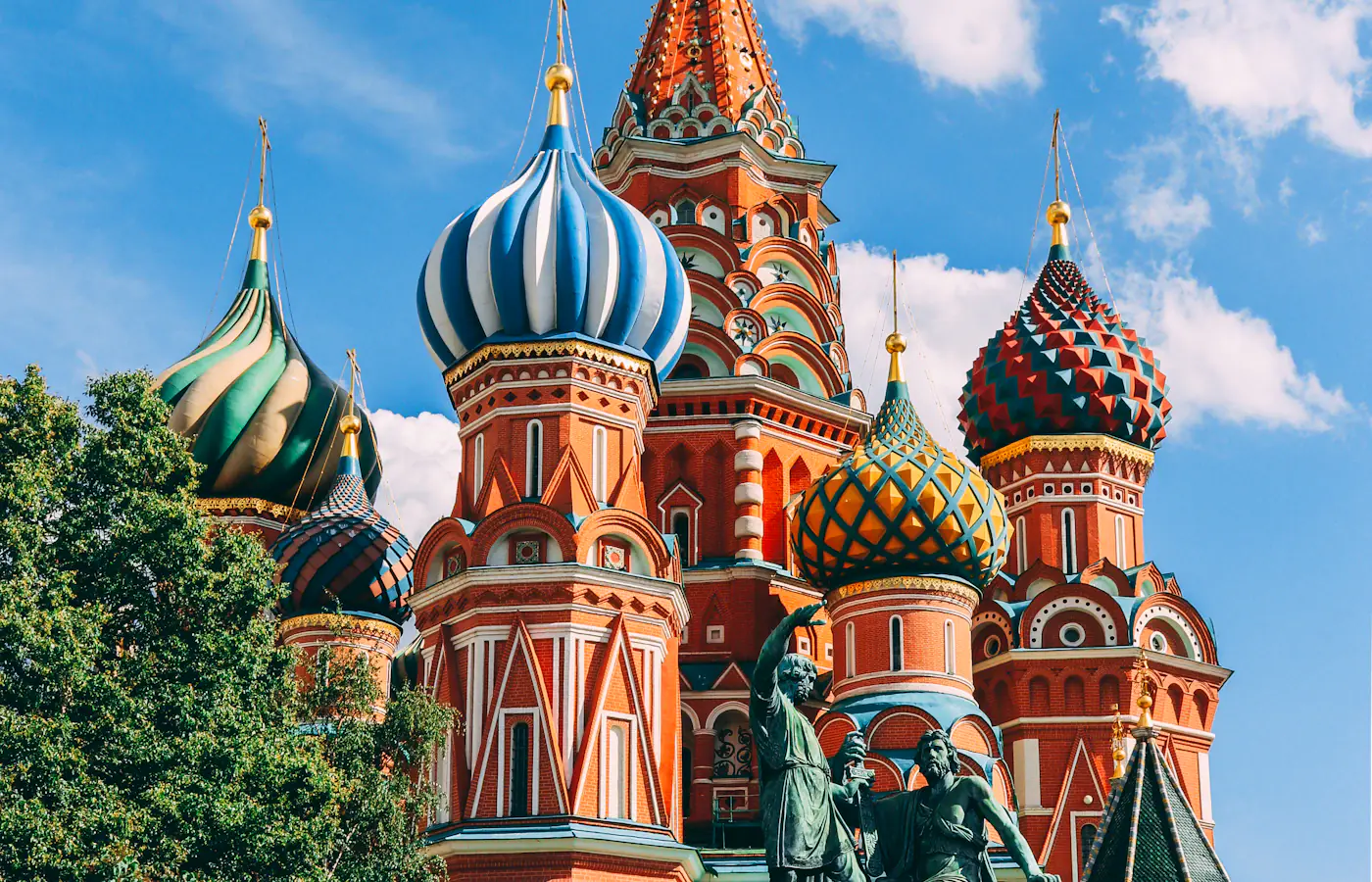 Moscow, Russia
- Fast 4G/5G
- One-click Activation
- Hotspot Sharing
- 24/7 Support
Choose your plan
7 Days / 1 Week(1 plan)
30 Days / 1 Month(25 plans)
1 GB
30 Days / 1 Month$1.01$1.01/GB2 GB
30 Days / 1 Month$2.21$1.11/GB3 GB
30 Days / 1 Month$2.60$0.87/GB4 GB
30 Days / 1 Month$3.25$0.81/GB5 GB
30 Days / 1 Month$4.28$0.86/GB6 GB
30 Days / 1 Month$4.95$0.83/GB7 GB
30 Days / 1 Month$5.61$0.80/GB8 GB
30 Days / 1 Month$6.34$0.79/GB9 GB
30 Days / 1 Month$6.99$0.78/GB10 GB
30 Days / 1 Month$7.50$0.75/GB12 GB
30 Days / 1 Month$8.56$0.71/GB14 GB
30 Days / 1 Month$9.29$0.66/GB15 GB
30 Days / 1 Month$9.67$0.64/GB16 GB
30 Days / 1 Month$10.04$0.63/GB18 GB
30 Days / 1 Month$10.76$0.60/GB20 GB
30 Days / 1 Month$11.53$0.58/GB30 GB
30 Days / 1 Month$18.60$0.62/GB32 GB
30 Days / 1 Month$20.10$0.63/GB35 GB
30 Days / 1 Month$22.35$0.64/GB38 GB
30 Days / 1 Month$24.58$0.65/GB40 GB
30 Days / 1 Month$30.90$0.77/GB42 GB
30 Days / 1 Month$32.66$0.78/GB45 GB
30 Days / 1 Month$37.16$0.83/GB48 GB
30 Days / 1 Month$37.93$0.79/GB50 GB
30 Days / 1 Month$39.73$0.79/GB15 days(2 plans)
60 Days / 2 Months(3 plans)
90 Days / 3 Months(2 plans)
180 Days / 6 Months(1 plan)
Tech specs
| Specification | Details |
|---|---|
| Country coverage | Russia only. |
| Local networks | Beeline, Tele2 |
| Network technology | Connects to 4G/5G where the network offers it. Networks and technology vary by plan. |
| Data & validity | Fixed total data. No daily reset. |
| Available data allowances | 500 MB, 1 GB, 2 GB, 3 GB, 4 GB, 5 GB, 6 GB, 7 GB, 8 GB, 9 GB, 10 GB, 12 GB, 14 GB, 15 GB, 16 GB, 18 GB, 20 GB, 30 GB, 32 GB, 35 GB, 38 GB, 40 GB, 42 GB, 45 GB, 48 GB, 50 GB, and 100 GB |
| Available durations | 7 Days (1 Week), 15 days, 30 Days (1 Month), 60 Days (2 Months), 90 Days (3 Months), and 180 Days (6 Months) |
| Calls & SMS | Use internet messaging and calling apps. |
| Hotspot | The listed networks support hotspot. Any device you connect draws from the same data allowance. |
| Your phone | An eSIM-compatible, network-unlocked phone is required. |
How it works
Pick a plan, add the eSIM to your phone, then connect once you're in Russia.
 01
Choose your plan
Check phone compatibility and carrier lock; choose a plan by allowance and validity.
 02
Follow the installation instructions
Install over Wi-Fi. Check when validity starts before installing.
 03
Connect in Russia
Select the eSIM for mobile data and follow its setup instructions.
Frequently asked questions.
Answers to common setup and buying questions.
Which Russia eSIM plan should I choose?
Check our plan's data allowance, validity, activation and local networks before you buy. Save essential maps and bookings offline.
When does the plan start?
Validity begins: First Network Connection.
Which networks are included?
Networks vary by plan. Reception and speeds depend on location, network conditions and your device.
Can I use a hotspot?
Check hotspot support on each plan. Connected devices share the allowance.
Does the data reset every day?
Fixed total data. No daily reset.
Can I use this package in another country?
Russia only.
What phone do I need?
An eSIM-compatible, network-unlocked phone is required.
What should I check if mobile data is not working?
Check coverage, remaining data and validity. Follow the supplied roaming and APN instructions. Keep the eSIM installed when contacting support.
Which apps can I use with the Russia eSIM, and how fast will they work?
The Russia eSIM is designed to deliver high-speed internet access for all apps from around the world, including the following 50 apps:
WhatsApp, Google Maps, Instagram, TikTok, YouTube, iMessage, FaceTime, Uber, Spotify, Google Translate, Booking.com, Airbnb, Revolut, Gmail, ChatGPT, Facebook, Messenger, Snapchat, Telegram, Netflix, Apple Maps, Bolt, Grab, Wise, PayPal, Waze, Citymapper, Tripadvisor, GetYourGuide, Klook, Skyscanner, Expedia, Agoda, Trip.com, Trainline, Omio, Uber Eats, Google Lens, Apple Music, YouTube Music, Disney+, Discord, Reddit, X, Signal, Zoom, Microsoft Teams, Slack, Microsoft Outlook, and Google Photos.
Using a prepaid eSIM in Russia
Mobile data in Russia
If travel to Russia is unavoidable, plan your landing as if mobile internet may not be there. Mobile service for foreign visitors may be restricted even when the phone shows a network, so save tickets, addresses and meeting details before you leave. Whether you are visiting family or on a short holiday, treat the first hours after arrival as offline.
Check our plan's data allowance, validity, activation and local networks before you buy. Save essential maps and bookings offline.
Check the network for your plan.
Networks vary by plan. Reception and speeds depend on location, network conditions and your device.
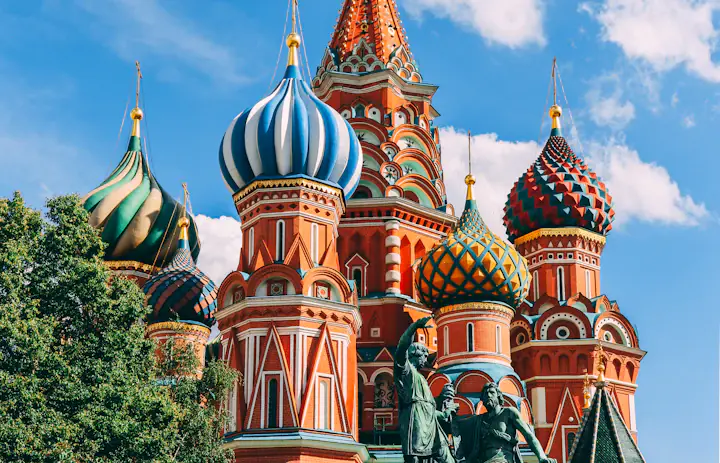
within reach.Moscow, Russia
Moscow: sort your transfer before the phone connects.
The FCDO advises against all travel to Russia. If you must go, re-read the latest guidance and keep your exit plan under review. Access may be delayed on arrival, so fix a meeting point and a backup contact method beforehand.
At Sheremetyevo, the Aeroexpress operator lists rail service to Belorussky Rail Terminal. Check the timetable and your terminal before you travel, then save the ticket plus the next leg to your lodging. Each Moscow airport uses a different rail stop, so do not assume one station covers all.
Write the destination address in Cyrillic and note the entrance or reception name. A data link does not make a payment card, booking app or SMS verification work, so line up an accepted payment method apart from your mobile plan.
Save before you goAirport name, terminal, transfer ticket, Cyrillic address and a meeting plan that needs no app.
St Petersburg: save the route past Pulkovo.
If you land at Pulkovo, read the airport's ground-transport page while you still have a connection. Save whichever bus or pickup route you pick, plus the final address. A booking kept only in an inbox can be hard to open during a mobile-data restriction.
For an onward train, read the exact station printed on the ticket rather than typing only St Petersburg into a map. Keep the departure time, carriage and boarding details in one place, and ask your lodging how to reach the entrance if you arrive late.
Where service exists, use data for changed bookings and messages, but keep a separate offline plan for meeting a driver or host. If access fails, check the eSIM settings and supplied steps; deleting and reinstalling the profile does not fix a network restriction.
Save before you goYour chosen airport transfer, train ticket, lodging entrance and an agreed fallback if messages never arrive.
Choose your Russia plan
Compare data amounts and durations to find the plan that fits your trip.
 Choose a plan
