 Airwaily









































750 MB
7 Days / 1 Week$3.08$4.21/GBZambia eSIM
Buy a cheap, reliable Zambia eSIM with data plans from 750 MB to 50 GB.
Plans from$3.08
750 MB 7 Days / 1 Week
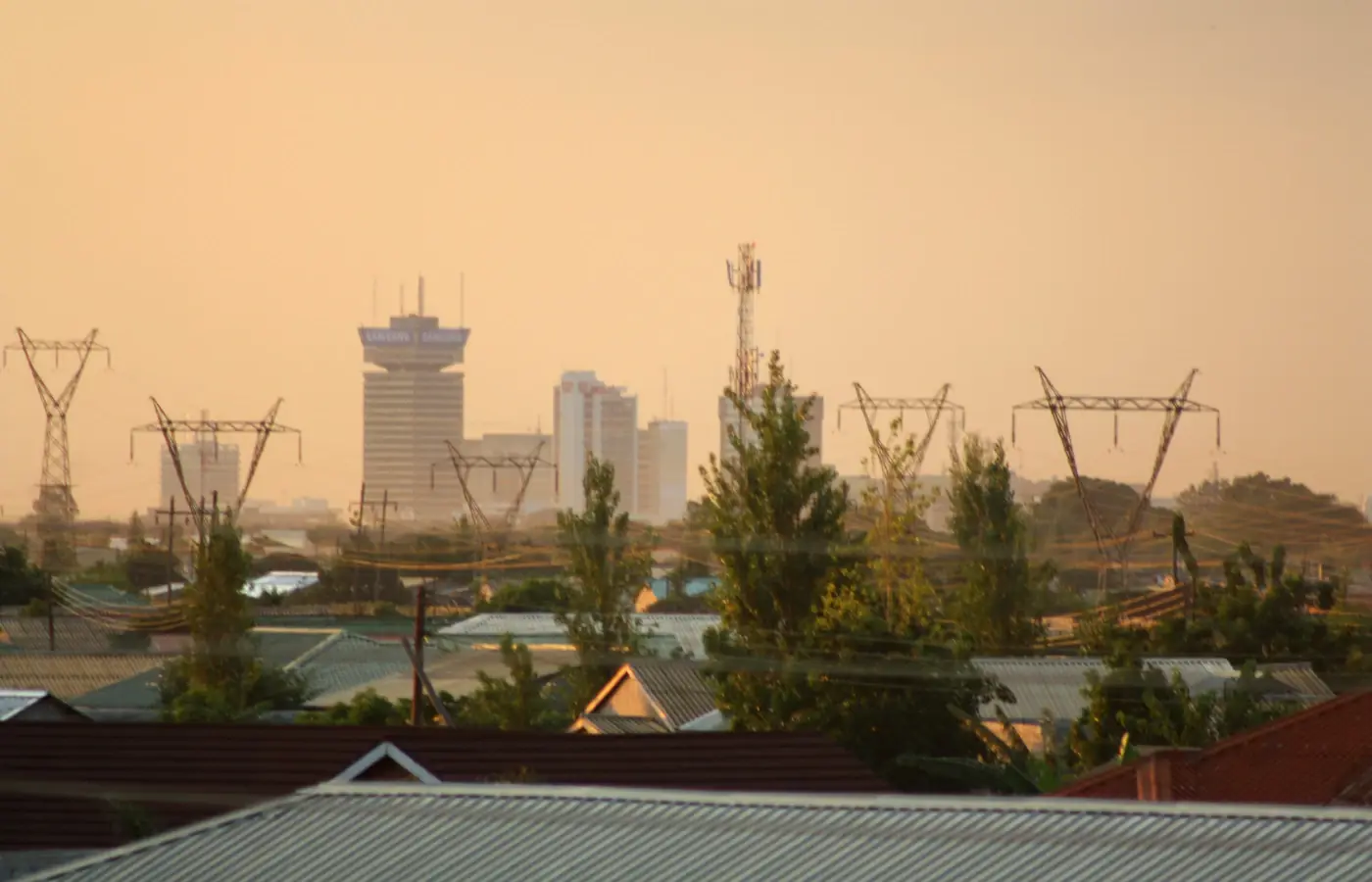 Lusaka, Zambia
- Fast 4G/5G
- One-click Activation
- Hotspot Sharing
- 24/7 Support
Choose your plan
7 Days / 1 Week(2 plans)
30 Days / 1 Month(16 plans)
1 GB
30 Days / 1 Month$3.98$3.98/GB2 GB
30 Days / 1 Month$8.36$4.18/GB3 GB
30 Days / 1 Month$9.70$3.23/GB4 GB
30 Days / 1 Month$12.30$3.08/GB5 GB
30 Days / 1 Month$14.19$2.84/GB6 GB
30 Days / 1 Month$16.69$2.78/GB7 GB
30 Days / 1 Month$19.23$2.75/GB8 GB
30 Days / 1 Month$21.75$2.72/GB9 GB
30 Days / 1 Month$24.25$2.69/GB10 GB
30 Days / 1 Month$26.25$2.63/GB12 GB
30 Days / 1 Month$32.08$2.67/GB14 GB
30 Days / 1 Month$36.92$2.64/GB15 GB
30 Days / 1 Month$39.34$2.62/GB16 GB
30 Days / 1 Month$41.72$2.61/GB18 GB
30 Days / 1 Month$46.55$2.59/GB20 GB
30 Days / 1 Month$51.36$2.57/GB15 days(2 plans)
60 Days / 2 Months(1 plan)
90 Days / 3 Months(1 plan)
Tech specs
| Specification | Details |
|---|---|
| Country coverage | Zambia only. |
| Local networks | Airtel |
| Network technology | Connects to 4G/LTE where available. 5G is not confirmed on this plan. Networks and technology vary by plan. |
| Data & validity | Fixed total data. No daily reset. |
| Available data allowances | 750 MB, 1 GB, 2 GB, 3 GB, 4 GB, 5 GB, 6 GB, 7 GB, 8 GB, 9 GB, 10 GB, 12 GB, 14 GB, 15 GB, 16 GB, 18 GB, 20 GB, 30 GB, and 50 GB |
| Available durations | 7 Days (1 Week), 15 days, 30 Days (1 Month), 60 Days (2 Months), and 90 Days (3 Months) |
| Calls & SMS | Use internet messaging and calling apps. |
| Hotspot | The listed networks support hotspot. Any device you connect draws from the same data allowance. |
| Your phone | An eSIM-compatible, network-unlocked phone is required. |
How it works
Pick a plan, add the eSIM to your phone, then connect once you're in Zambia.
 01
Choose your plan
Check phone compatibility and carrier lock; choose a plan by allowance and validity.
 02
Follow the installation instructions
Install over Wi-Fi. Check when validity starts before installing.
 03
Connect in Zambia
Select the eSIM for mobile data and follow its setup instructions.
Frequently asked questions.
Answers to common setup and buying questions.
Which Zambia eSIM plan should I choose?
Check our plan's data allowance, validity, activation and local networks before you buy. Save essential maps and bookings offline.
When does the plan start?
Validity begins: First Network Connection.
Which networks are included?
Networks vary by plan. Reception and speeds depend on location, network conditions and your device.
Can I use a hotspot?
Check hotspot support on each plan. Connected devices share the allowance.
Does the data reset every day?
Fixed total data. No daily reset.
Can I use this package in another country?
Zambia only.
What phone do I need?
An eSIM-compatible, network-unlocked phone is required.
What should I check if mobile data is not working?
Check coverage, remaining data and validity. Follow the supplied roaming and APN instructions. Keep the eSIM installed when contacting support.
Which apps can I use with the Zambia eSIM, and how fast will they work?
The Zambia eSIM is designed to deliver high-speed internet access for all apps from around the world, including the following 50 apps:
WhatsApp, Google Maps, Instagram, TikTok, YouTube, iMessage, FaceTime, Uber, Spotify, Google Translate, Booking.com, Airbnb, Revolut, Gmail, ChatGPT, Facebook, Messenger, Snapchat, Telegram, Netflix, Apple Maps, Bolt, Grab, Wise, PayPal, Waze, Citymapper, Tripadvisor, GetYourGuide, Klook, Skyscanner, Expedia, Agoda, Trip.com, Trainline, Omio, Uber Eats, Google Lens, Apple Music, YouTube Music, Disney+, Discord, Reddit, X, Signal, Zoom, Microsoft Teams, Slack, Microsoft Outlook, and Google Photos.
Using your eSIM in Zambia
Mobile data in Zambia
Keep your Lusaka arrival details, Livingstone activity confirmations and safari pickup times in one place on your phone, for a holiday as a tourist or a visit to family. A Zambia eSIM offers prepaid data on a compatible, network-unlocked handset, with no physical SIM to collect or swap.
Check our plan's data allowance, validity, activation and local networks before you buy. Save essential maps and bookings offline.
Check the network for your plan.
Networks vary by plan. Reception and speeds depend on location, network conditions and your device.
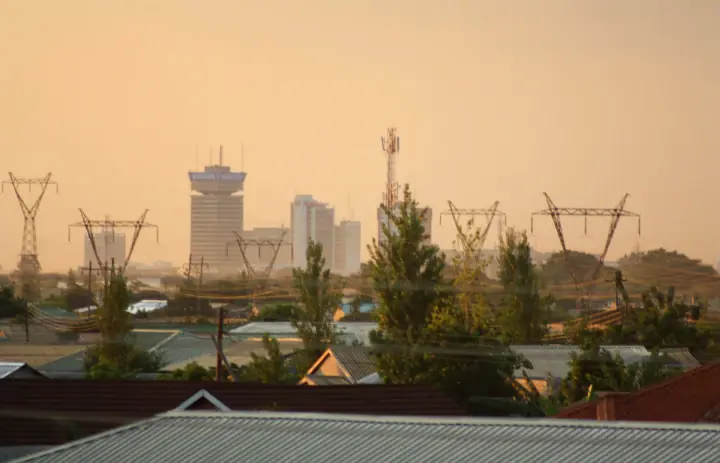
Ready to go.Lusaka, Zambia
Lusaka: send the arrival details that matter.
Landing at Kenneth Kaunda International Airport? Send your driver the airport name and flight number before takeoff. Keep the accommodation address and the agreed meeting point saved, so a delayed bag or a rerouted flight doesn't leave you scrolling for the conversation.
Lusaka is a practical staging point for the next leg. Pull up your domestic flight or road-transfer booking, confirm the departure point, and ask your host how to reach the final door. When meeting someone in town, use a precise entrance pin, since a business name alone may not locate the right door.
Grab maps and bulky booking attachments over Wi-Fi before heading out. Your travel data line handles app messages, but it doesn't come with a local phone number for standard calls or SMS.
Save before you goDriver meeting instructions, accommodation entrance and the next transport booking.
Livingstone: confirm which side of the river you're booked on.
Livingstone is the Zambian base for Victoria Falls and the Zambezi, with flights arriving at Harry Mwaanga Nkumbula International Airport. Before you set off, confirm whether your activity departs from the lodge, a town office or a different meeting point.
A trip billed as "Victoria Falls" can actually run from Zimbabwe. Check the operator's address, because this plan covers Zambia only and doesn't extend into Zimbabwe. Save any cross-border pickup instructions before you reach the border, and sort separate data if you need it on the far side.
River trips shift with water levels. Read the operator's latest joining instructions and confirm your return transfer, rather than trusting an old seasonal timetable you saved.
Save before you goActivity voucher, country and meeting point, plus the return pickup arrangement.
South Luangwa: settle the handoff at Mfuwe.
Mfuwe International Airport is the air gateway for South Luangwa. Send your flight details to the lodge and ask who's meeting you, where they'll wait and how you'll spot them. A lodge name plus a confirmed transfer beats a broad park map.
Before a road leg, ask the lodge for its current recommended access route. Don't treat an unfamiliar track a map app suggests as a workable shortcut. Download directions while you still have a connection and keep the driver's contact saved offline.
Nationwide coverage doesn't guarantee a signal during a game drive. Warn anyone expecting a message that you may drop offline; a bigger allowance won't fix a weak signal.
Save before you goLodge directions, transfer contact and onward flight confirmation.
Choose your Zambia plan
Compare data amounts and durations to find the plan that fits your trip.
 Choose a plan
